
この記事はアピリッツの技術ブログ「DoRuby」から移行した記事です。情報が古い可能性がありますのでご注意ください。
Macだと勝手に隠しファイルが自動作成される場合がある。
「._.hogehoge」みたいな感じのファイル名。
見付ける度に、適当にfindしてrmするコマンドを実行していたりするが、
たまにvimで編集中に、現在のディレクトリ以下の
上記ファイルを全て削除したくなることがあるので、
vim scriptの勉強がてらscriptを作成してみた。
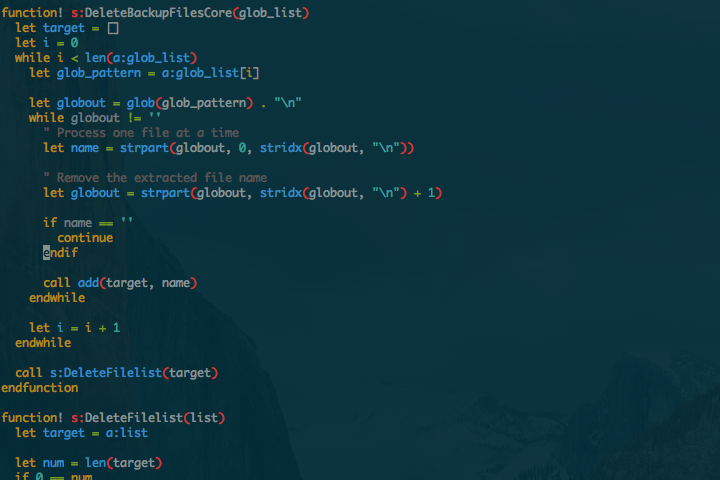
function! s:DeleteFilelist(list)
    let target = a:list

    let num = len(target)
    if 0 == num
        echo "No target file"
        return
    endif

    echo "The deleted file is shown."
    let j = 0
    while j < num
        echo target[j]
        let j = j + 1
    endwhile
    let yn = input("OK? (y or n) -> ")
    echo "\n"

    if "y" == yn
        let j = 0
        while j < len(target)
            call delete(target[j])
            let j = j + 1
        endwhile
        echo "Deleted!!"
        return
    endif
    echo "Canceled."
endfunction

function! s:DeleteMacAutoMakeFiles()
    let target = []
    let globout = glob("**/._*") . "\n"
    while globout != ''
        " Process one file at a time
        let name = strpart(globout, 0, stridx(globout, "\n"))

        " Remove the extracted file name
        let globout = strpart(globout, stridx(globout, "\n") + 1)

        if name == ''
            continue
        endif

        call add(target, name)
    endwhile

    call s:DeleteFilelist(target)
endfunction

command! -nargs=0 DeleteMacAutoMakeFiles :call s:DeleteMacAutoMakeFiles()
vim scriptでやるなよ、って気もするが…。








 connpass
 Peatix
 Wantedly
 デザインチームnote